User Experience in Games | How to Improve UX in Game Design
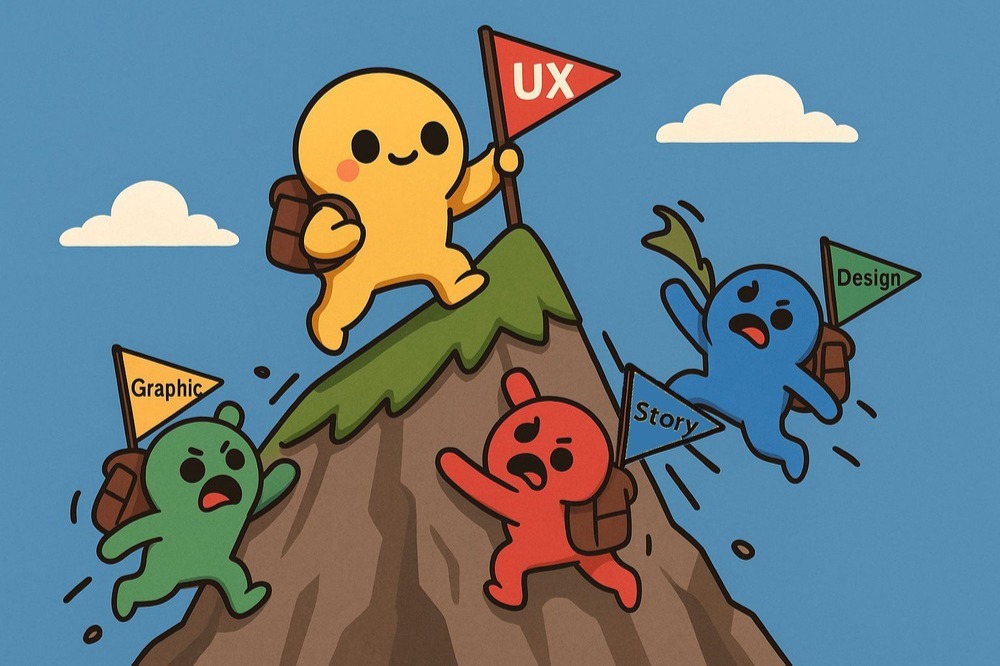
Game UX refers to the overall experience a player has while interacting with a game—from learning mechanics to controls, feedback, and sense of progression. UI, on the other hand, is only about the visual design of menus, buttons, and on-screen elements.
A well-designed UX keeps players engaged from the very first moment, helps them learn mechanics naturally, and encourages longer play sessions. This directly impacts player retention, positive reviews, and the commercial success of the game.
Games like Portal, Celeste, Hollow Knight, and Hades are praised for their intuitive tutorials, responsive controls, and impactful feedback systems—making them great examples of strong game UX design.
Common UX mistakes include overly long and boring tutorials, lack of clear feedback when players make mistakes, and cluttered or confusing menus that disrupt the flow of gameplay.
You can test UX by running usability sessions with small groups of real players, observing their behavior without guidance, using heatmaps to track problem areas, and analyzing gameplay data with tools like Unity Analytics or Firebase.
Not at all. Indie games with small teams can shine by prioritizing UX. Titles like Undertale and Hollow Knight are proof that thoughtful UX design can create impactful, memorable player experiences without massive budgets.
5/
0
What do you think?